Coming soon

SpectaQR Pay

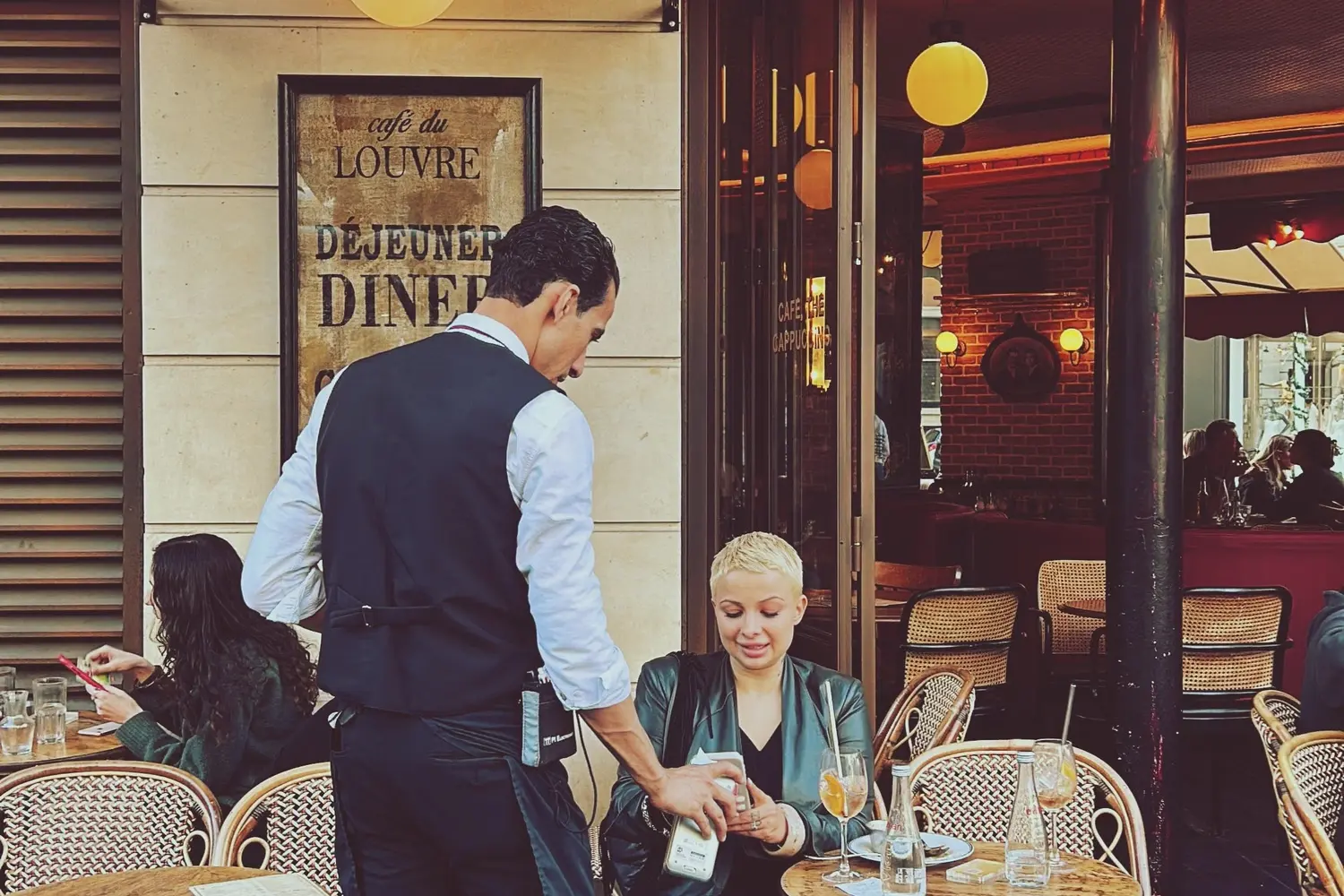
Coming soon: turn on SpectaQR Pay Upfront or SpectaQR Pay Tab for any of your menus, and guests will be able to pay from their phone - Apple Pay, Google Pay, or card.

Coming soon. No terminal to lease. No card machine to buy. Just a Stripe account and a few clicks - and your guests will be paying from their phones.

Two flavours, one goal

SpectaQR Pay Upfront or SpectaQR Pay Tab - you set the table

Every venue runs differently. A busy brunch café wants payment upfront. A cocktail bar wants guests to settle at the end. SpectaQR will give you both, configurable per menu, with no guest re-training needed.

SpectaQR Pay Upfront
SpectaQR Pay Upfront - pay first, then we cook

The recipe for no-risk ordering. Guests pay before the ticket hits the kitchen.

In SpectaQR Pay Upfront mode, guests build their cart as usual, but the submit button now shows the exact amount they'll be charged. Tapping it opens a native payment sheet - Apple Pay, Google Pay, or card - right inside the menu page. The order only reaches your kitchen after payment succeeds. No chargebacks from walkouts, no chasing unpaid tabs, no "I thought my friend paid" at table six.

  • Pay before order is placed
  • Apple Pay & Google Pay
  • Card as fallback
  • Zero walkout risk
  • Clear total before paying

SpectaQR Pay Tab

SpectaQR Pay Tab - dine first, settle later

The classic restaurant flow, with a digital bill at the end. No waving down a waiter required.

In SpectaQR Pay Tab mode, guests order freely across multiple rounds - drinks now, mains later, dessert when they're ready. A sticky "Pay bill" button in the order drawer shows the running total from all non-cancelled items. When they're done, one tap opens the payment sheet with the full accumulated bill. Once paid, the session locks - no more orders can be added. Guests leave when they want, not when they can flag down a server.

  • Order in multiple rounds
  • Running bill total visible
  • Pay when ready to leave
  • Session locks after payment
  • No waiting for the bill

Two ways to pay

Pay first, or settle at the end. Your call.

Behind the bar

Set it up once. It works for every menu.

Connect your Stripe account in the Settings tab, pick a payment mode on any interactive menu, and you're done. No per-table configuration, no per-item pricing gymnastics.

Setup

One Stripe Connect, many menus

Connect once. Enable payments on whichever menus you want.

Your venue connects its Stripe account once from the SpectaQR Settings panel. After that, every interactive menu gets a payment mode selector - None, SpectaQR Pay Upfront, or SpectaQR Pay Tab. Mix and match: your lunch menu can be SpectaQR Pay Upfront while your dinner menu stays browse-only. Each menu makes its own rules.

  • One-time Stripe setup
  • Per-menu payment mode
  • Mix modes across menus
  • Live Connect status
  • Guided onboarding flow

Fees

Transparent fees, no surprises

One platform fee, card processing included. That's the whole recipe.

SpectaQR takes one platform fee per transaction - 5.0% + €0.40 on Starter, 4.75% + €0.35 on Premium, 4.7% + €0.35 on Enterprise (the fixed part is charged in your local-currency equivalent). The remainder goes straight to your connected Stripe account. Payouts arrive on a T+7 schedule. Card processing is included - no separate Stripe fees, no monthly payment add-ons.

  • 5.0% + €0.40 Starter / 4.75% + €0.35 Premium / 4.7% + €0.35 Enterprise
  • Remainder goes to your Stripe account
  • T+7 payout schedule
  • Card processing included

Protection

Paid items are protected

Once a guest pays, that dish is theirs. Staff can't accidentally cancel it.

Items marked as paid are locked against cancellation - enforced at the server level, not just in the UI. Staff can still update delivery status and complete orders normally. The "Paid" badge on order cards lets your team know at a glance which tabs are already settled.

  • Paid items locked server-side
  • Staff can still update delivery status
  • "Paid" badge on order cards

Behind the bar

Connect once. It works for every menu.

The right mode for the right venue

Pick the pairing that matches your service

Both modes will be available on every plan. The only question is which one fits your flow.

Best for

SpectaQR Pay Upfront is chef's kiss for…

Busy cafés, food trucks, quick-service spots.

High-turnover venues where guests come and go quickly. Pre-payment eliminates walkout risk entirely and keeps the queue moving. Your kitchen only sees orders that are already paid - no cancelled tickets, no wasted prep.

  • Busy cafés & food trucks
  • Quick-service spots
  • Zero walkout risk
  • Kitchen only sees paid orders

Best for

SpectaQR Pay Tab is perfect for…

Sit-down restaurants, cocktail bars, lounges.

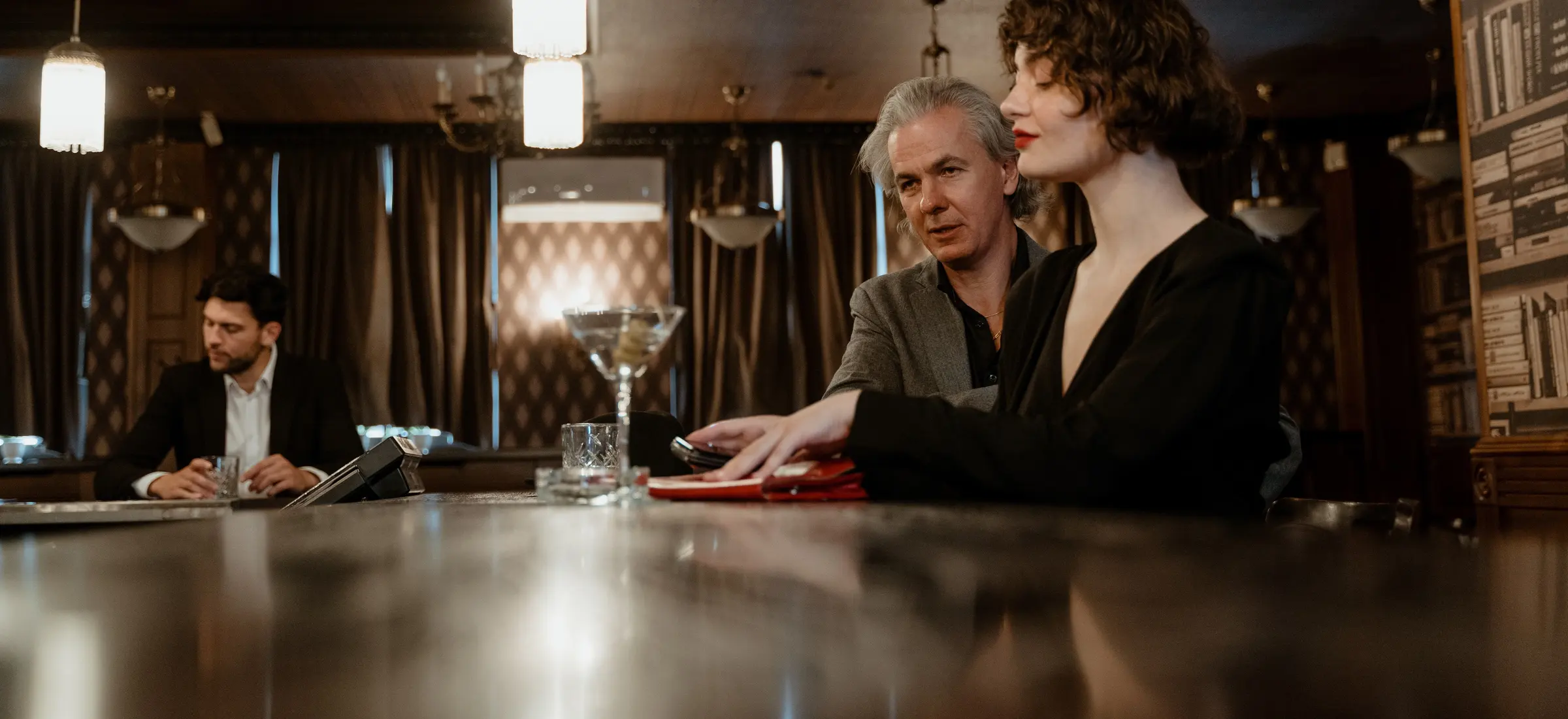
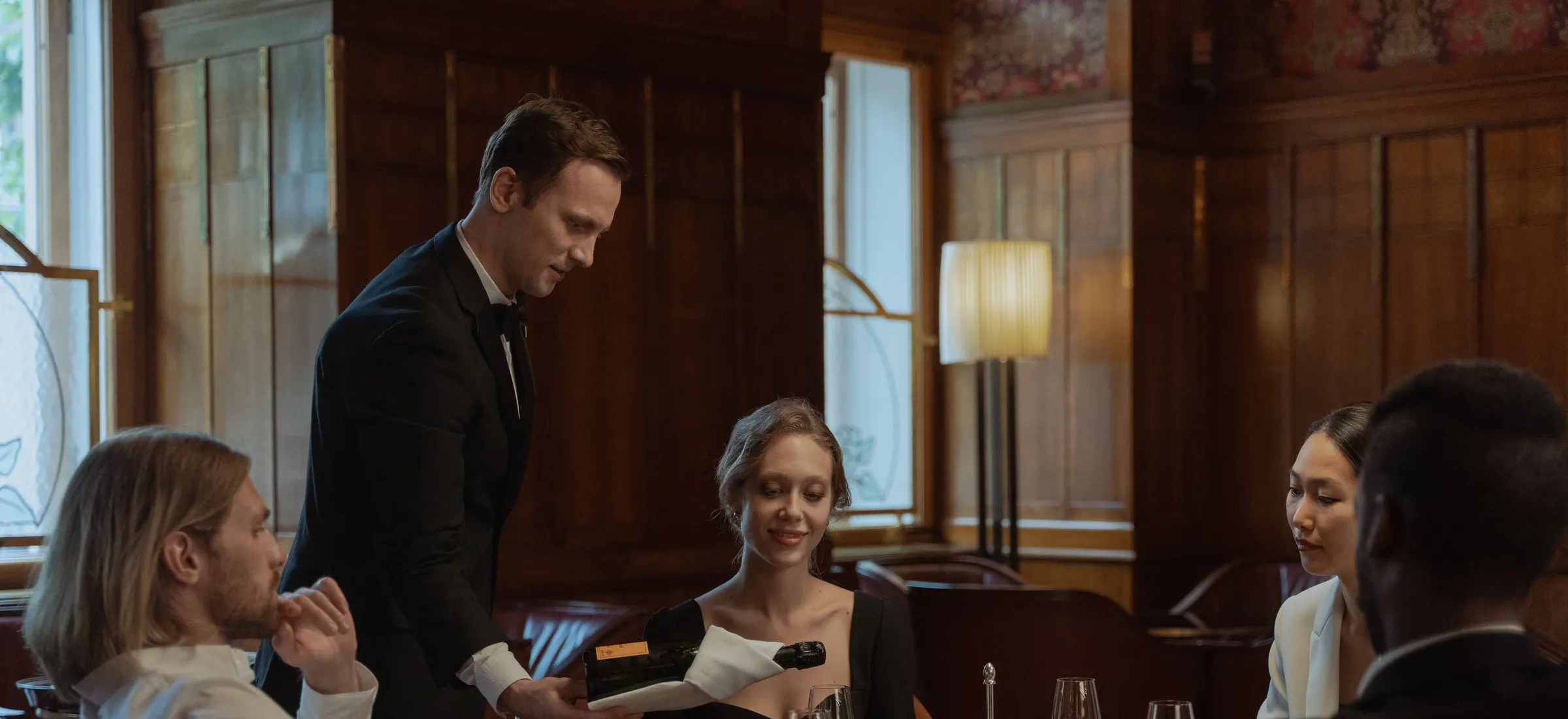
Full-service venues where guests linger through courses and rounds. They order naturally - drinks, appetisers, mains, dessert - and pay the accumulated bill with one tap when they're ready to leave. No flagging down a server, no waiting for the check, no splitting drama at the end of the night.

  • Sit-down restaurants
  • Cocktail bars & lounges
  • Multi-round ordering
  • Pay when ready to leave

The right fit

The bill guests never have to ask for.

Your menu, their phone, one tap

The fastest way from "I'll have the…" to "paid."

SpectaQR Pay is coming soon. Start today with ordering from the table - your guests browse and order from their phone, and your staff take payment as usual.

SpectaQR Pay will be available on all plans.